6.5. Backward ros
To use the backward_ros package for debugging your ROS 2 project named OrbbecSDK_ROS2, you can follow these steps:
6.5.1. Add backward_ros as a dependency:
In your package.xml, add backward_ros as a dependency:
xml
<depend>backward_ros</depend>
6.5.2. Configure CMakeLists.txt:
In your CMakeLists.txt, find the backward_ros package and link it to your executable:
cmake
find_package(backward_ros REQUIRED)
include_directories(${backward_INCLUDE_DIRS})
add_executable(your_node src/your_node.cpp)
target_link_libraries(your_node ${backward_LIBRARIES})
6.5.3. Build your project with debug information:
Use colcon build with the RelWithDebInfo or Debug option to ensure that your executable is built with debug information:
colcon build --cmake-args '-DCMAKE_BUILD_TYPE=RelWithDebInfo'
6.5.4. Run your node:
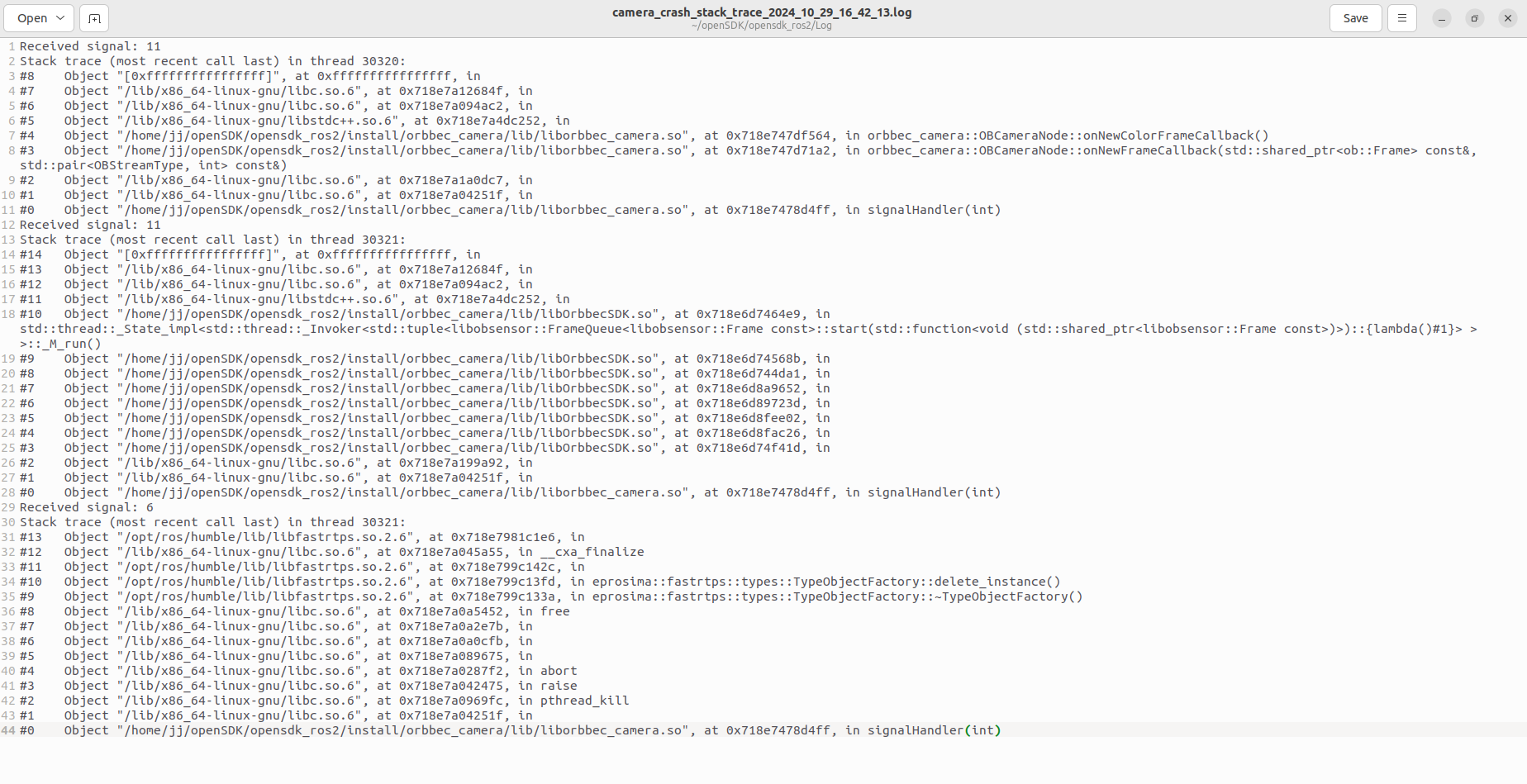
After building, you can run your node as you normally would with ROS 2. If your node crashes, backward_ros will automatically generate a stack trace with detailed information, including line numbers, to help you debug the issue.
6.5.5. Example
When your program crashes, you can go to the Log folder under the workspace to find the stack trace of the crash.